AI TOOL / #10766
Transcribe YouTube Video
Chrome extension for YouTube transcription, summarization and navigation.
Introduction
Chrome extension for YouTube transcription, summarization, and navigation.
What is Transcribe YouTube Video ai chrome extension/plugin?
Transcribe YouTube Videos is a Chrome extension designed to enhance your YouTube experience by transcribing videos, extracting subtitles, providing summaries and easy content navigation. It uses artificial intelligence technology to transcribe and summarize videos in multiple languages, allowing users to quickly obtain and utilize information in YouTube videos.
How to use Transcribe YouTube Video ai chrome extension/plugin?
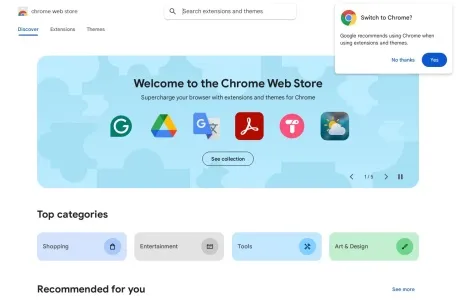
1. Install the extension from the Chrome Web Store.
2. Open any YouTube video.
3. Access the extension panel for transcripts, AI summaries, and time navigation.
4. Download or copy the text as needed.
Transcribe YouTube Video ai chrome extension/plugin core features
AI-driven transcription and summarization
Multi-language support
Time navigation with timestamps
Downloadable transcription document
Copy transcript to clipboard
Related
Rocket Scooter
Automated trading software and AI scanners reveal the locations of intelligent funds in various markets.
Inturai
AI-driven sports and health monitoring via Wi-Fi signals, ensuring privacy and security.
Centrox AI
Centrox AI offers customized AI solutions and end-to-end generative AI development services to assist enterprises in their endeavors.
Dreamhouse AI
Intelligent interior design and virtual staging tool.
Hauservice
Hauservice is a platform that provides regional insights and connects tenants, landlords and property managers.
BrokerSpot
An AI-driven lead generation platform for real estate agents.