AI TOOL / #10977
EzDubs
AI dubbing service: preserves the original voice, supports multiple speakers, and allows for adjustment of video speed.
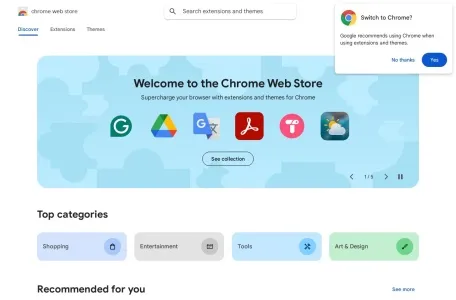
Introduction
AI dubbing service preserving voice, supporting multiple speakers, and adjusting video speed.
What is the EzDubs AI Chrome extension/plug-in?
EzDubs is an AI-based dubbing service that allows the original speaker’s voice to be preserved when translating videos. It supports multiple speakers and intelligently adjusts the video playback speed to ensure a smooth viewing experience. The translated videos can be obtained immediately, and new dubbing jobs are completed within minutes. Links to the finished videos are then sent to users via email.
How to use the EzDubs AI Chrome extension/plug-in?
Upload the video to EzDubs. If the video has already been translated, it will be displayed immediately. If not, EzDubs will generate a subtitled version of the video within a few minutes and send you the viewing link via email. If the translation results do not appear in the console, please reload the page.
The core functions of the EzDubs AI Chrome extension/plug-in
AI-driven voice dubbing that preserves the original speaker’s voice.
Supports multiple speakers within a single video.
Intelligent speed adjustment for a seamless viewing experience
The dubbing process is carried out swiftly, and you will be notified via email once it is completed.
Related
New Openbroca
AI voice input software for Mac computers
Coarena
Real-person blind evaluation list for computer-operated intelligent agents
Rena Financial Management
The personal stock analysis tool launched by Tencent
CmdRound
Using the Claude Code to assess programmer candidates through practical exercises
Rushilo
Let Claude Code and Codex help with video editing.
Xiryn
Open-Source Local Personal Agent