AI TOOL / #06325
ChatGPT Voice Assistant
The voice-activated ChatGPT interface supports text-to-speech conversion and multiple languages.
Introduction
Voice-activated ChatGPT interface with text-to-speech and multi-language support.
What is the ChatGPT Voice AI Chrome extension/plug-in?
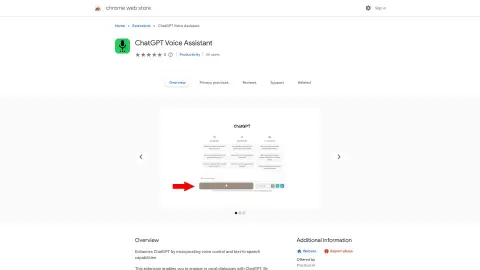
This tool allows you to capture voice input and send it to ChatGPT. The responses generated by the system can be listened to aloud (this option can be disabled if desired). It supports multiple languages, and you can start capturing voice data by clicking the microphone button or holding down the spacebar.
How to use the ChatGPT Voice AI Chrome extension/plug-in?
Click the microphone button or hold down the spacebar to record your voice input. This tool will send your recorded voice to ChatGPT, which will then read out the response. You can also choose to disable the text-to-speech function if you prefer to read the responses directly.
The core functions of the ChatGPT Voice AI Chrome extension/plug-in
Voice input for ChatGPT
Text-to-speech output generated by ChatGPT
Multilingual support
Capture voice input using the microphone button or the spacebar.
Related
Kore.ai
Enterprise-level AI agent and dialogue platform
DeepBrain AI
A platform that utilizes AI technology to generate videos of professional quality, featuring AI-generated avatars and voiceovers.
GptDuck
GitHub Q&A Database
AISEO
AI-powered SEO and content creation tools used to generate optimized, human-like articles.
Aime
An AI-powered stock analysis platform that provides real-time data and predictive tools.
StockTune
StockTune provides AI-generated royalty-free music for content creators to use without attribution.