AI TOOL / #07091
ScreenRedact
A Mac application designed to use local machine learning techniques to identify and highlight text within images.
Introduction
Mac app for redacting text in images using on-device machine learning.
What is ScreenRedact?
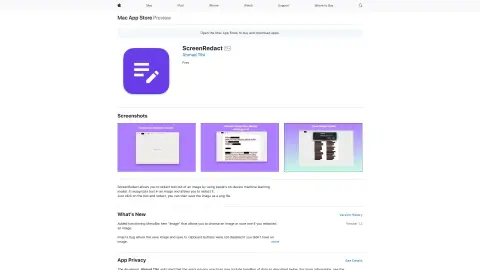
ScreenRedact is a Mac application developed by Ahmad Tibi that allows users to quickly conceal sensitive information from images. It utilizes Apple’s native machine learning technology to identify text within images and provides a user-friendly interface for masking those areas. The modified images can then be saved in PNG format.
How to use ScreenRedact?
Open an image in ScreenRedact, and the application will automatically detect any text present. Click on the text to darken it. Save the darkened image as a PNG file.
The core functions of ScreenRedact
Using Apple’s native machine learning technologies for text masking/darkening.
Save the image in PNG format.
Copy the image to the clipboard.
Related
ImageBlock
Google Cloud Vision AI utilizes machine learning to understand the content of images.
HopShop
HopShop uses image search to locate clothing items and identifies stores that sell similar products.
up-board.org
Edge computing devices and boards used in industrial automation and artificial intelligence solutions.
Identify Any Car Part Instantly with AI
Applications based on artificial intelligence can instantly identify car parts through photographs.
AI Logo Identifier: Snap, Identify Logos
AI-based applications are capable of instantly recognizing logos and brands and providing detailed information about them.
DataVLab
DataVLab provides artificial intelligence data labeling and image annotation services for various industries.