AI TOOL / #07230
hahaOCR
Extract text from the image; press the ESC key to exit.
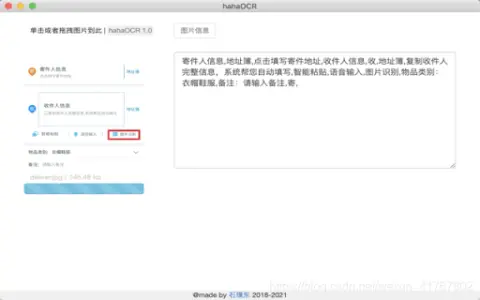
Introduction
Extract text from images and exit with ESC.
What are the Image to Text and ESC Exit App AI Chrome extensions/plugs?
This application allows users to extract text from images and convert it into editable text. Users can upload images by clicking a button and exit the application by pressing the “ESC” key.
How to use the Image to Text & ESC Exit App AI Chrome extension/plug-in?
Click the upload button to select an image. The application will automatically extract the text from the image and display it. Press the “ESC” key to exit the application.
The core functionality of the Image to Text and ESC Exit App AI Chrome extension/plugin.
Image to Text conversion
Use the ESC key to exit the function.
Related
homesales.com.au
An AI-powered real estate platform for property search and connecting with agents in Australia.
vergesense.com
An intelligent platform designed to optimize workplace utilization.
Democrasee.io
A social platform for political engagement that provides real-time access to data on politicians.
GOODY-2
An artificial intelligence model that focuses on ethical principles and safety, avoiding any controversial topics.
Legal Ease AI
An artificial intelligence-based tax planning research tool that simplifies analysis and communication with clients.
LegislatureAI
A free tool for browsing bills/meetings for cities and counties in the Bay Area and Hawaii.