AI TOOL / #08576
C.AI Sync Tool
Chrome extension for syncing Character AI characters to other platforms.
Introduction
Chrome extension to synchronize Character AI characters to other platforms.
What is Character AI Synchronizer ai chrome extension/plugin?
The tool is a Chrome extension designed to help users quickly copy characters created on Character AI to other platforms. It facilitates better dissemination of creative ideas and enables easy management and synchronization of characters across multiple platforms.
How to use Character AI Synchronizer ai chrome extension/plugin?
1. Install the Chrome extension.
2. Visit the Talkie web platform (https://www.talkie-ai.com/) and log in.
3. Visit Character.ai (https://character.ai/) and complete the login.
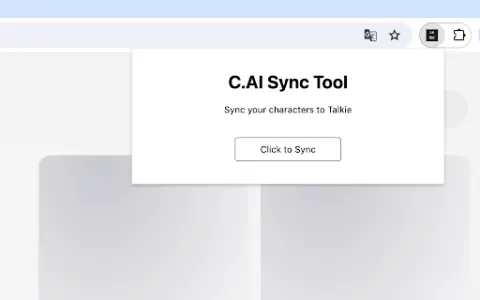
4. Click the plug-in to open it, then click the Sync button to sync.
Character AI Synchronizer ai chrome extension/plugin core features
Sync characters from Character AI to other platforms
Related
Meetrics: Prepare Excellent Agendas with AI
An AI-powered meeting management tool for efficient and productive meetings within Google Calendar.
Celebro
An AI-driven platform designed for creating and organizing personalized birthday cards.
NoDial.io
NoDial uses a refundable deposit to guarantee reservations, reduce no-shows, and simplify the booking process.
Free Blocks
Free blocks simplify schedule management through calendar sharing and integration.
Toki (Dola AI)
The AI Calendar Assistant helps you manage your schedule through conversations.
GPToDo
Convert the responses from Chat GPT into calendar tasks that support drag-and-drop functionality.