AI TOOL / #09925
Google Lens Image Search – Search What You See
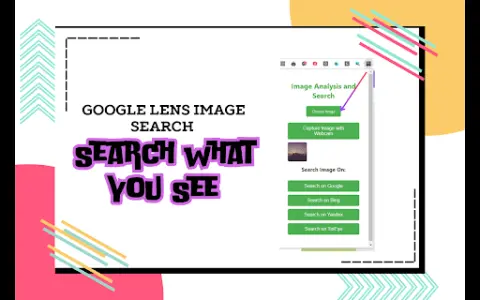
A browser extension designed for image searching, analysis, and downloading, compatible with multiple search engines.
Introduction
Browser extension for image search, analysis, and download using multiple search engines.
What is the Google Lens Image Search Extension, an AI-based Chrome extension/plug-in?
The Google Lens Image Search extension is a browser tool that allows users to search for images directly within their browsers. It supports several image search engines, including Google Lens, Bing, Yahoo, and TinEye. With this extension, users can discover more information about images, identify patterns, download images, and obtain detailed insights and analyses regarding these images using OpenAI.
How to use the Google Lens Image Search Extension for Chrome?
Install extensions from the Chrome Web Store. Right-click on any image and use your preferred search engine to conduct a search. Use the web camera function to take photos and perform immediate searches or analyses. Right-click and select “Download Image” to save the photograph. Utilize the Google Lens detector for more detailed analysis.
The core functionality of the Google Lens Image Search Extension for Chrome.
Image search integrated with the right-click menu
Image analysis based on OpenAI
Image download
Using a web camera to perform image searches
Custom search operations
Cross-browser compatibility
Related
New Modelpeers
AI model and agent dynamic tracking
New Flatbread
Share programming agent sessions as links
New Zest
Throw development tasks to the AI agent's roulette wheel with one click
New FLUX 3 Image Klein
BFL's open-weight lightweight text-to-image model
New Off-Grid AI Technology
An AI assistant that runs offline on your own device.
NewAppScreenStudio
Free app store screenshot generator