AI TOOL / #09926
MacGaiver
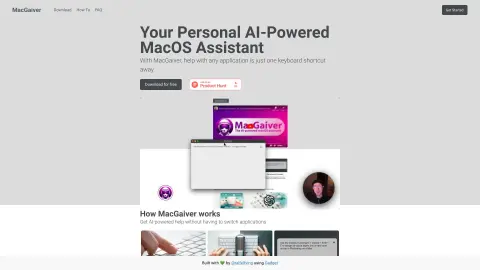
An AI-powered macOS assistant that uses computer vision to answer questions regarding any application.
Introduction
AI-powered macOS assistant that answers questions about any application using computer vision.
What is MacGaiver?
MacGaiver is an AI-powered macOS assistant that utilizes computer vision to answer questions regarding any application. By pressing a keyboard shortcut and posing your question, you can get assistance without leaving the current window. MacGaiver uses the OpenAI Vision API to provide answers in the context of your query.
How to use MacGaiver?
In any application, you can activate MacGaiver using keyboard shortcuts to submit your question—either in audio or text form. MacGaiver will then respond using answers derived from the context, relying on OpenAI GPT-V for its functionality.
The core features of MacGaiver
Provide AI-powered assistance within any macOS application.
Utilize computer vision to provide context-based answers.
Activate keyboard shortcuts
Integration with the OpenAI Vision API
Related
New AgentMash
Team-based programming: an intelligent agent collaboration platform for desktop use
The new EveryGen AI
An AI creative studio that integrates video, images, and audio.
New Dedica
Check whether a website can be used by AI proxies.
What They Said Recently
Using synthetic testers for user research
Steal the secrets
Deriving AI Prompts from Web Images
New TarotAI
AI tarot readings with no sign-up required